Before we get into Mixer Hell I want to talk about what is currently consuming my life: MBI Winds. It’s a brand new WGI Winds ensemble put on by Minnesota Brass – sort of like an indoor marching band, but just the horn line. Our first contest is in one month and we still have open positions for flute, clarinet, saxophone, baritone & tuba. Here’s more about our 2023 program and how to join: https://mnbrass.org/2022/11/2023-winds-show-announcement/
For this new ensemble we have audio equipment (computer, mixer, powered speakers) that are used for our backing track – non-winds sounds and percussion. Since this is a new ensemble with a limited budget, I took the approach to beg & borrow as much equipment as possible.
I started with a Behringer X-32 console mixer from my old high school care of the Irondale Marching Knights. Put frankly, this mixer is huge. It was going to require a cart, and with only a 5’x9′ trailer I quickly realized that we wouldn’t be able to fit a huge sound cart and the floor tarp and the speakers.
While I like the X-32, it will likely be for sale in the near future…
Mixer 2
I had another cart option, a portable injection-molded SKB rack – free of charge from the Blaine HS Marching Band. This one would definitely be a better fit in the trailer, and MBI Indoor Percussion had an old rack-mount mixer they were trying to sell earlier in the year.
It was a Presonus StudioLive RML32AI and at first glance, it could do everything we needed: rack mount, computer audio interface, network control, and at least 8 channels.
My only complaint to start was I couldn’t install the mixer control app on my 3rd generation iPad with iOS 10. The mixer we used at River Valley Sound was a SoundCraft Ui16 which has a built-in web interface instead of an app. You could control that mixer with literally any device that had a web browser, old or new. On my old iPad it worked like a charm.
We were able to use the Presonus mixer for the month of December at rehearsals. But I had to borrow my wife’s (and sometimes kid’s) iPad which could run the control app.
Problem 1
While using it, we encountered one avoidable, but annoying problem. At one rehearsal it wouldn’t send anything on the main left/right outputs. I could plug a speaker into the mono/center out and it would work. So for one Friday evening we just used one speaker. I went home, searched and came upon this thread: https://forums.presonus.com/viewtopic.php?f=222&t=31779&sid=18e60e7bc8de7f7d56493cd5677e5e3d
TL;DR? There’s a bug where the main out is muted but not indicated anywhere in the app.
This problem happens when you save the scene with the “mute all” button pressed.
I don’t remember saving a scene, but I for sure used the “mute all” button frequently during equipment setup and teardown.
I found a solution for this, doing this:
Mute the Mono Out, then, in the mute groups screen, save this mute scene in any of the spaces. Press the Mute group button that you just saved the mute scene to. It will toggle the Mute for the Mono Out and the Main Out together.
Please Presonus, fix this bug !!!!
This was for-sure my problem because I tried the fix Saturday morning and was back in business.
Problem 2
The second problem was unavoidable in our circumstance. The computer audio interface on the Presonus StudioLive RML32AI uses firewire. That’s fine, I’m familiar with FireWire. It’s a little old school, but should work. Our sound system computer is an “Apple Silicone” (M1) Macintosh. At first I thought all I needed was a USB-C to Thunderbolt-2 adapter and a Thunderbolt-2 to FireWire adapter. $100 in adapters later, I still couldn’t get the mixer to be recognized as an audio interface on the computer. The Presonus FireWire drivers were consistently listed under Disabled Software in the mac’s System Report.
Presonus support confirmed that they have no plans to support FireWire drivers on M1 and newer Macintosh computers. Maybe performance was lacking? Because it’s certainly still possible to connect other firewire devices to Apple Silicon macs:
The only way to use Presonus hardware with a firewire audio interface is with an Intel-based Mac, or a Windows computer 😖
Mixer 3
It was clear we needed another option. There was something about the X-32 that I really liked: cross-platform support. They have mixer control programs for just about everything: Mac, Windows, Linux, iOS and Android. The fact that I could use my Ubuntu system to potentially run the mixer makes my heart sing! 😍
So we landed on a Behringer X-32 Rack. All of the features of the console mixer, but in a rack-mount package. Double-bonus that some of our staff have previously used Behringer equipment and are familiar with the mixing software.
The other day I was at a stop light next to a hopped up Civic with a fart-can exhaust pipe. I got to wondering if the Bolt was faster than a Civic Si. I did some research and the answer is yes (depending on the year & trim).
The Chevy Bolt clocks in at 0-60 mph in 6.4 seconds, and a quarter mile in 14.9. My old WRX could run the 1320 (1/4 mile) in 14.3 seconds. But as you can see, the Bolt is no slouch and it’s in pretty good company with some cars that people would associate as sporty:
BTW, if you’re into sport tuning the Bolt EV Tuning facebook group is a great resource, you’ll find people doing autocross, track days, installing sway bars & coilovers, etc.
Lately I’ve been stressing about making sure everything is running smoothly for a new music ensemble we’re kickstarting at Minnesota Brass: MBI Winds. While things are generally going smoothly, there’s always concerns from week-to-week: filling our remaining positions, facilities, and staying on budget.
I found myself losing sleep and having high anxiety about it all, and especially about things I couldn’t control. Despite having put together a fairly extensive meditation program for River Valley Sound (728 Cadets winter winds program), I wasn’t putting any of it into practice for myself.
Something I noticed at rehearsals was that I didn’t have time to worry about everything else. There was literally not enough space between the notes to let my mind wander. Live music has a way of demanding everyone involved to be present. Could I be absent and simply go through the motions? Sure. But live music to me has never been about going through the motions, it’s about turning yourself over to the performance.
This mandatory meditation is magnified in a group setting (i.e. rehearsal). At home during practice there’s always extra space where my mind can wander. At rehearsal everyone is counting on everyone else to do their part, and do it correctly. Be present, or be damned.
Bringing it Home
Some of these self-reflections about making music are things I could incorporate into other areas of my life. Being present for family and work, and not giving way to let anxiety creep in. I’m not there yet, but like the monks say, it’s always a practice.
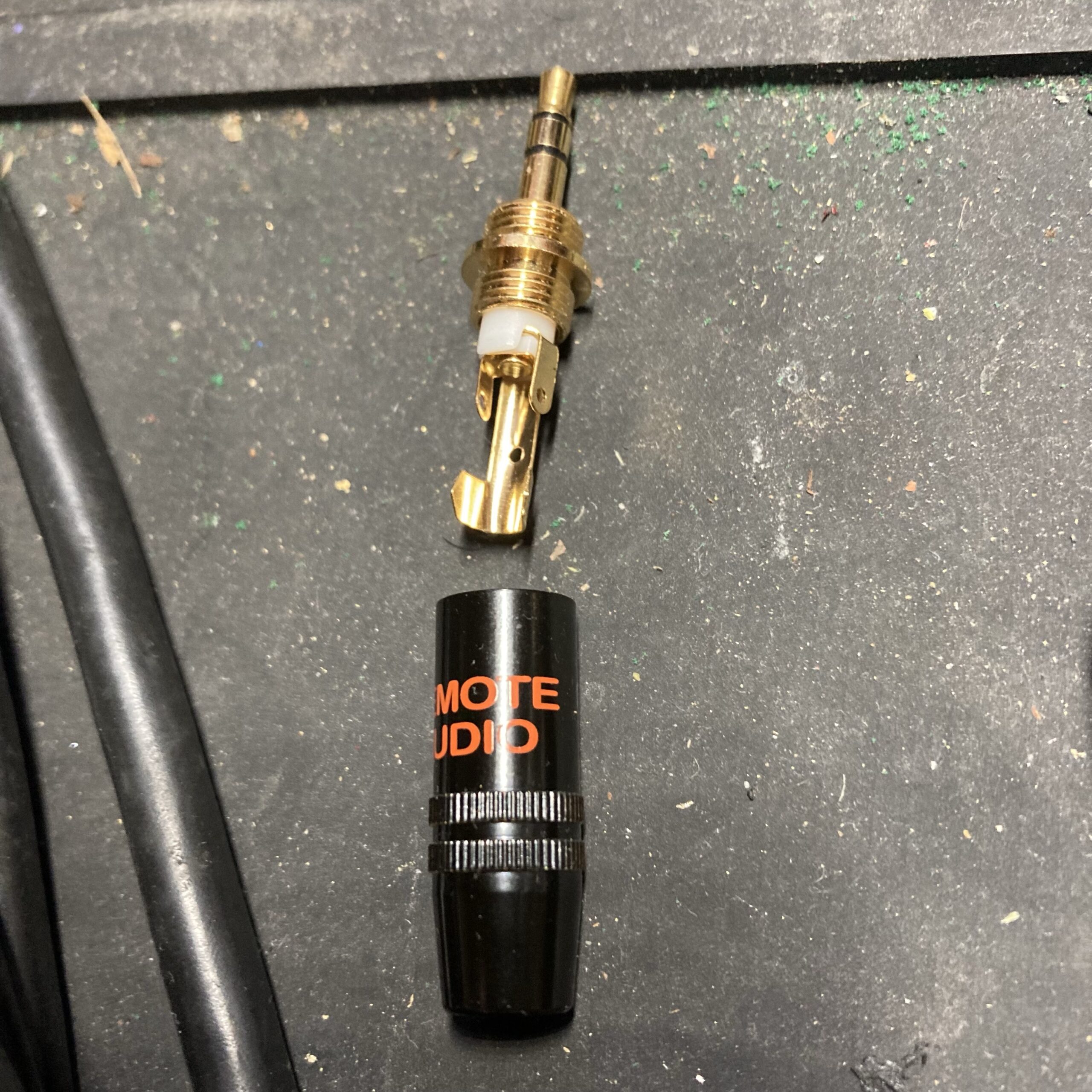
If you have a pair of tried-and-true Sony MDR-V6 headphones (or V600, 7506, etc.) and you find yourself needing a new jack/plug, this is the one you want:
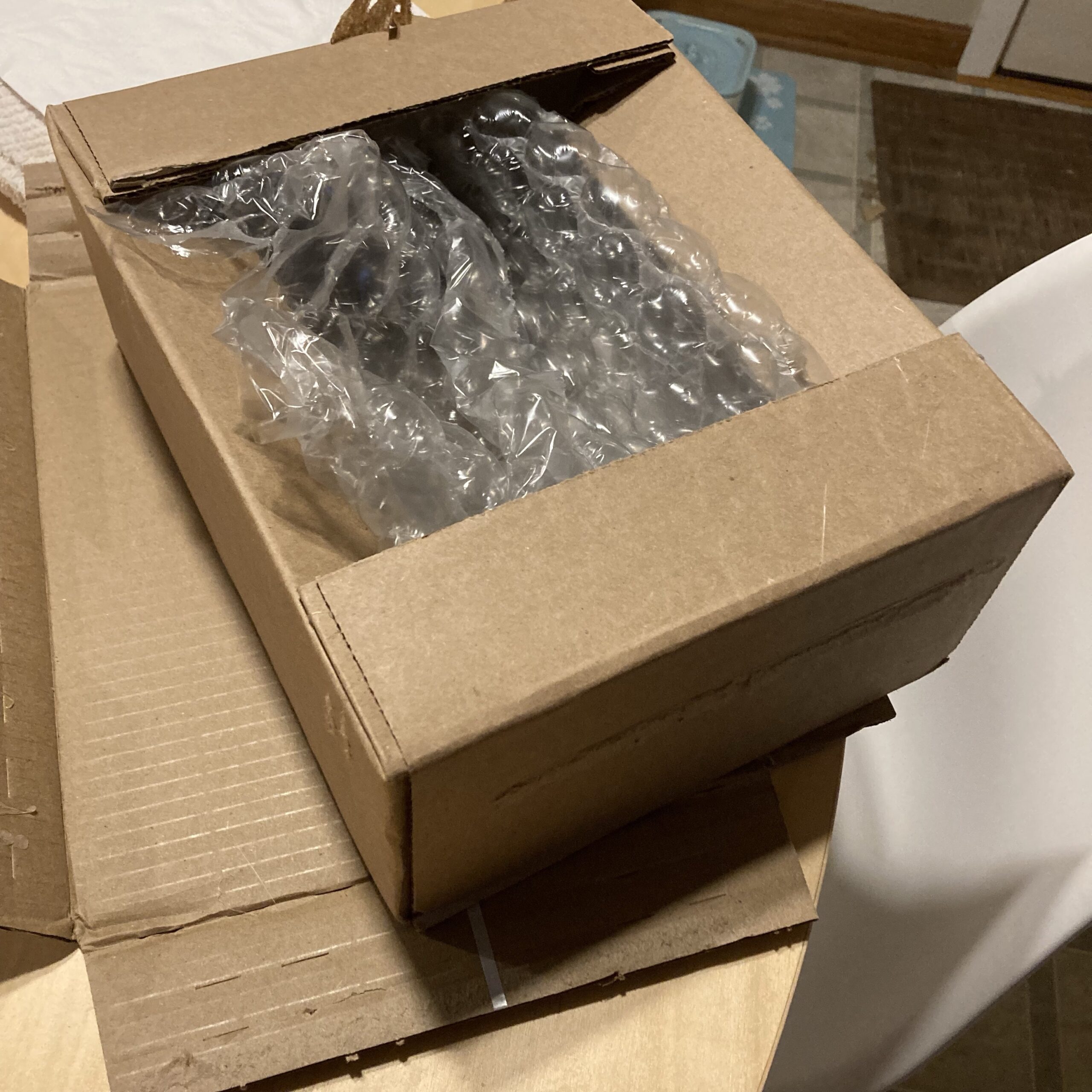
This is a great find. The only disappointing thing was the size of the box it was delivered in from B & H Photo:
Couldn’t it have been sent in a bubble mailer? 😕
Disassembly & Prep
If you’re looking to gently take off your original jack, it (dis)assembles the same way as the replacement.
My old jack was bent, so there was no point in saving it. I cut the wire but made sure to not cut the strain relief sleeve. Alas I realized you must disassemble the old jack to get the strain relief sleeve out anyway.
Once it’s free, drop the sleeve into the new replacement casing.
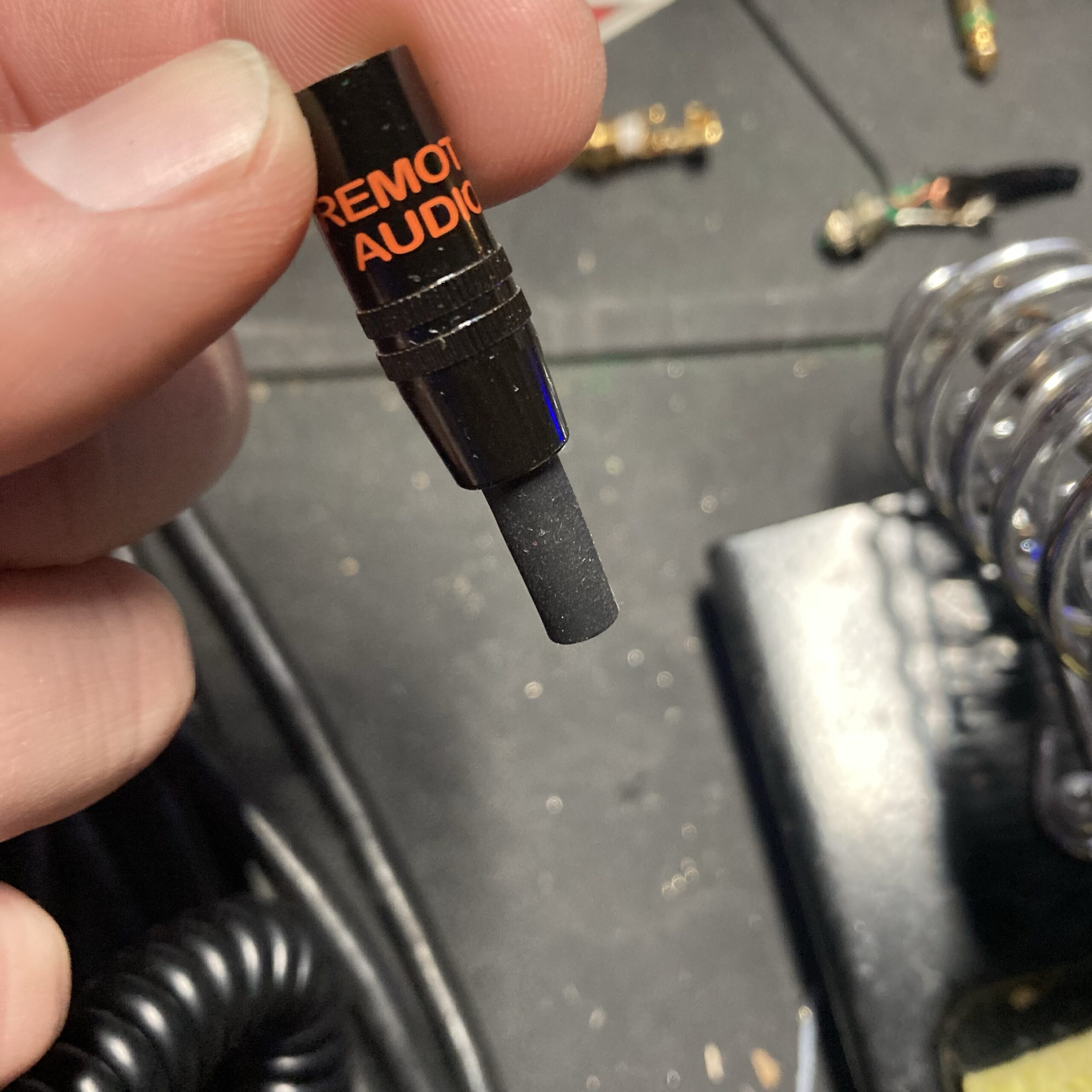
Put the sleeve and casing on the wire, followed by the included clear insulation sleeve.
It’s imperative you put these on before soldering, because you can’t put them on after soldering 😬
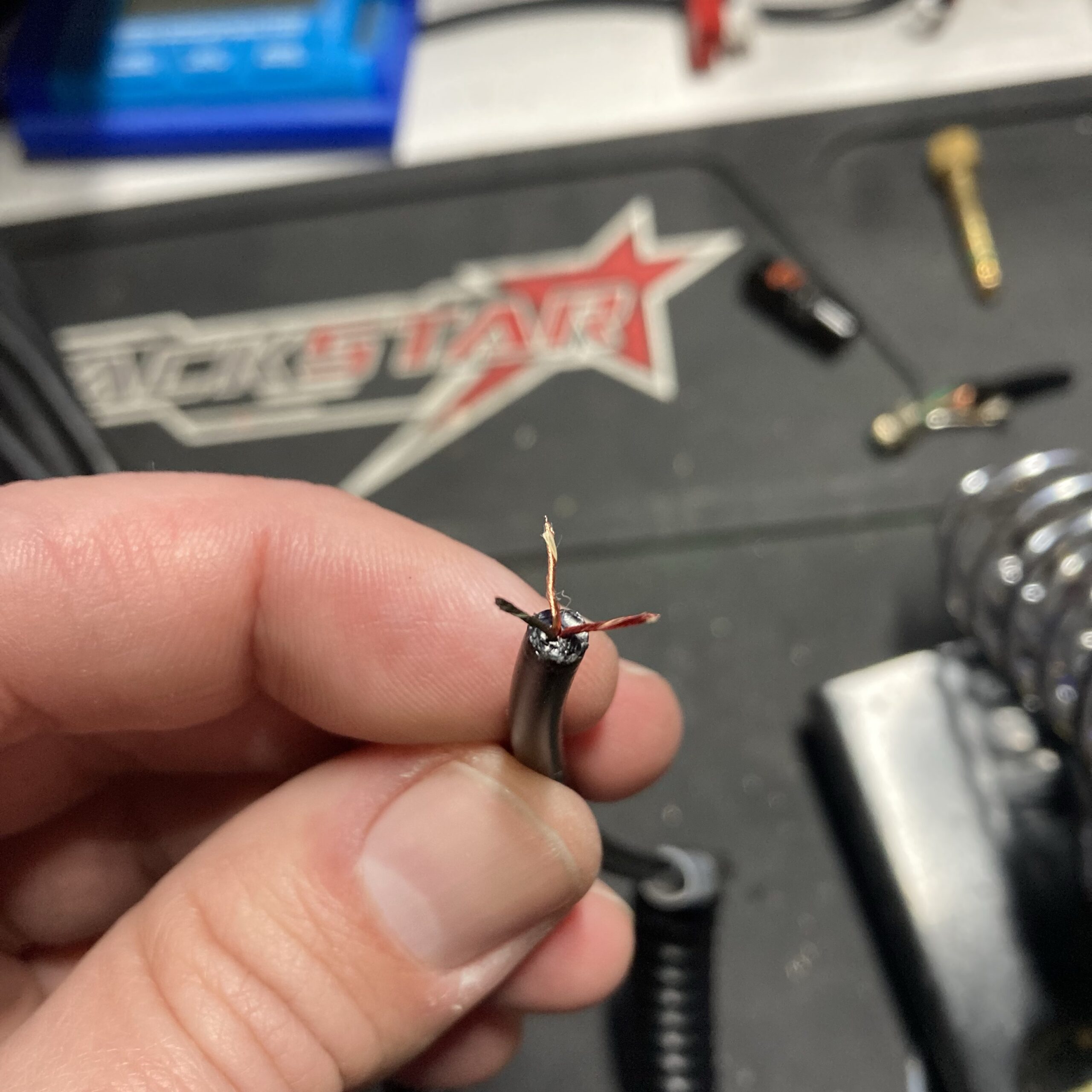
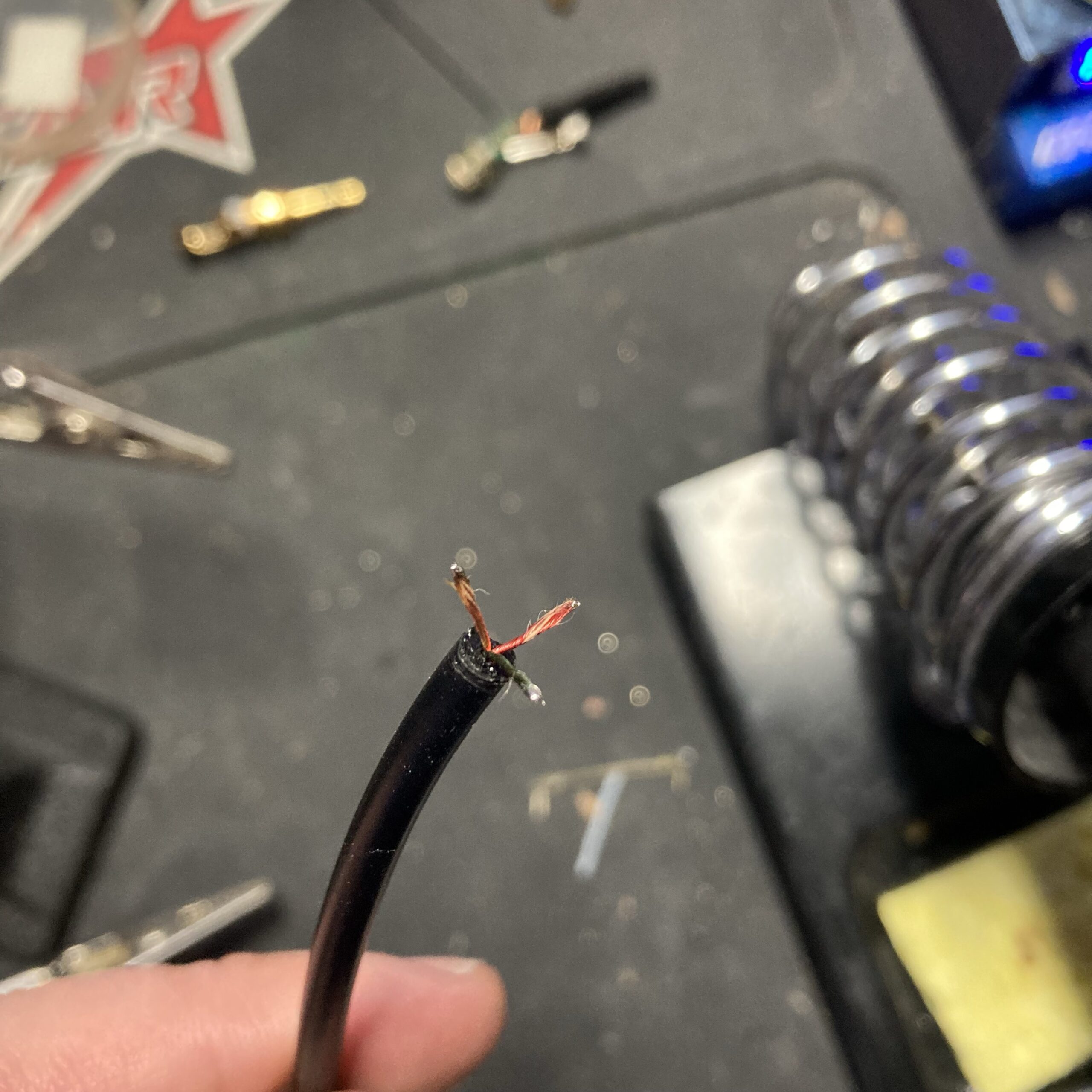
Carefully strip the outer cable sheath. It’s very flexible and rubbery. Inside the three wires don’t have traditional insulation. They have a braided insulation that is similar to the wire itself. Separate them and wet your fingers to keep the twists tight.
Soldering
To keep everything together, pre-tin the wires.
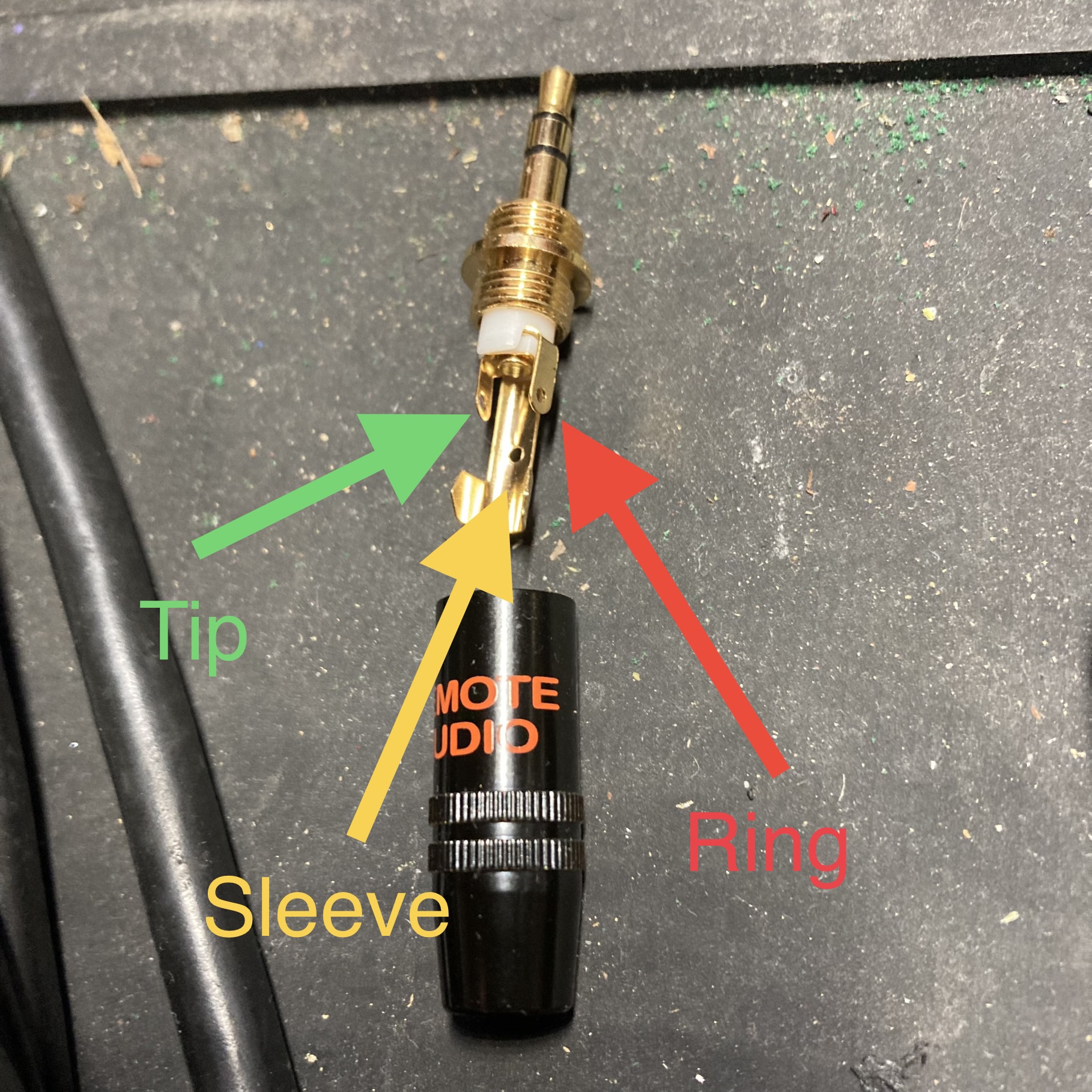
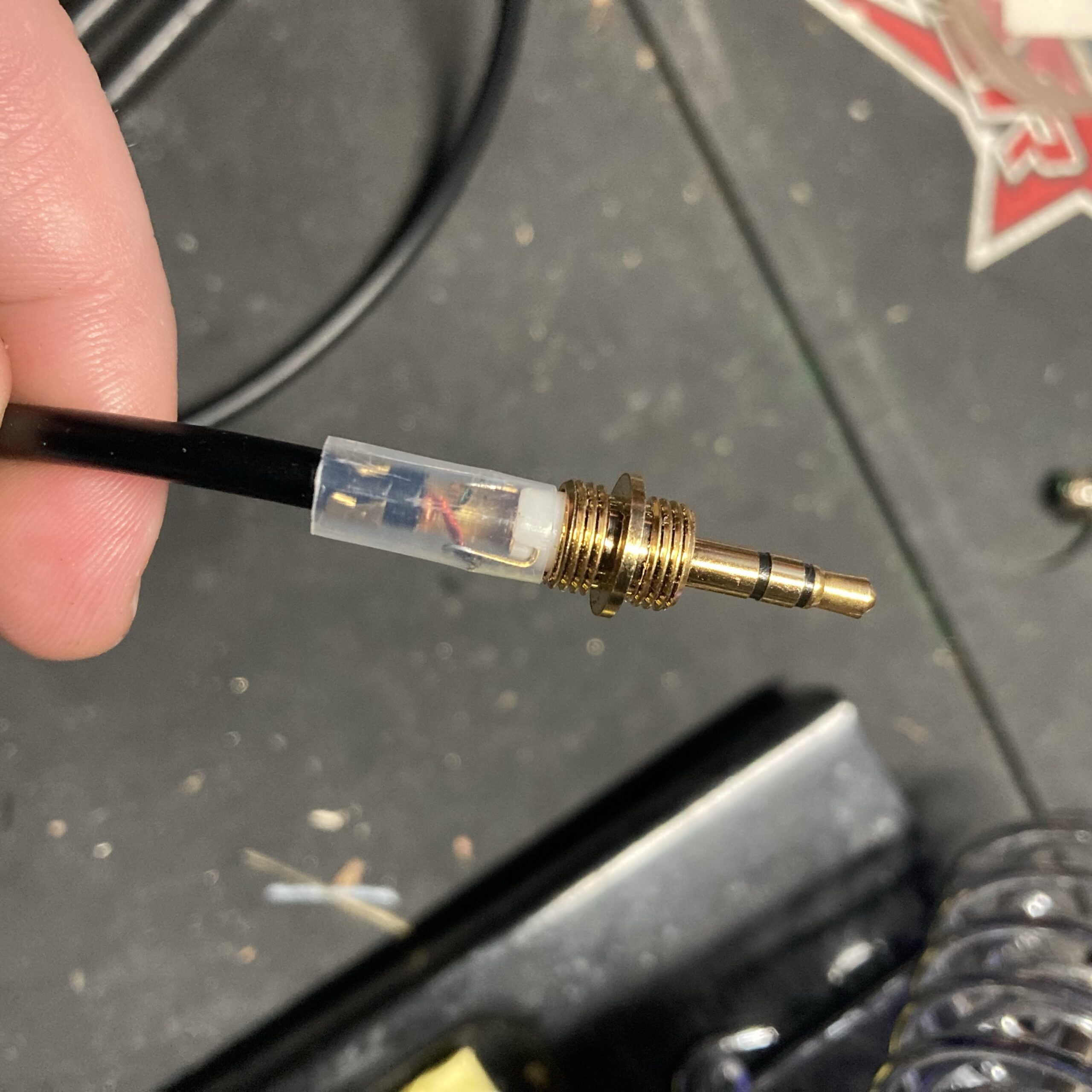
Here’s the layout of the jack. I double checked with a multimeter before soldering.
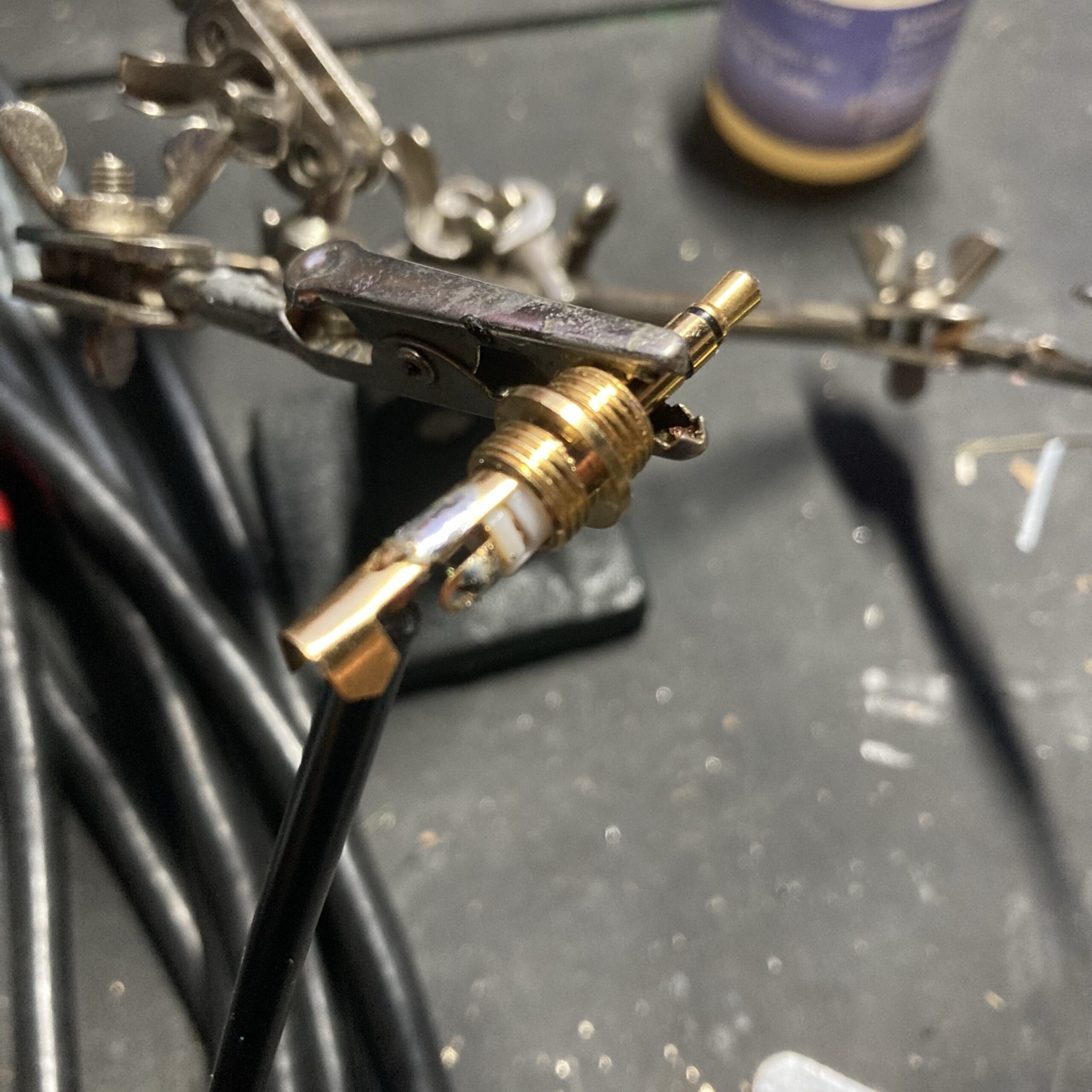
I started by soldering the sleeve wire. Then I used a tweezers to thread the other wires through the holes.
Test & Final Assembly
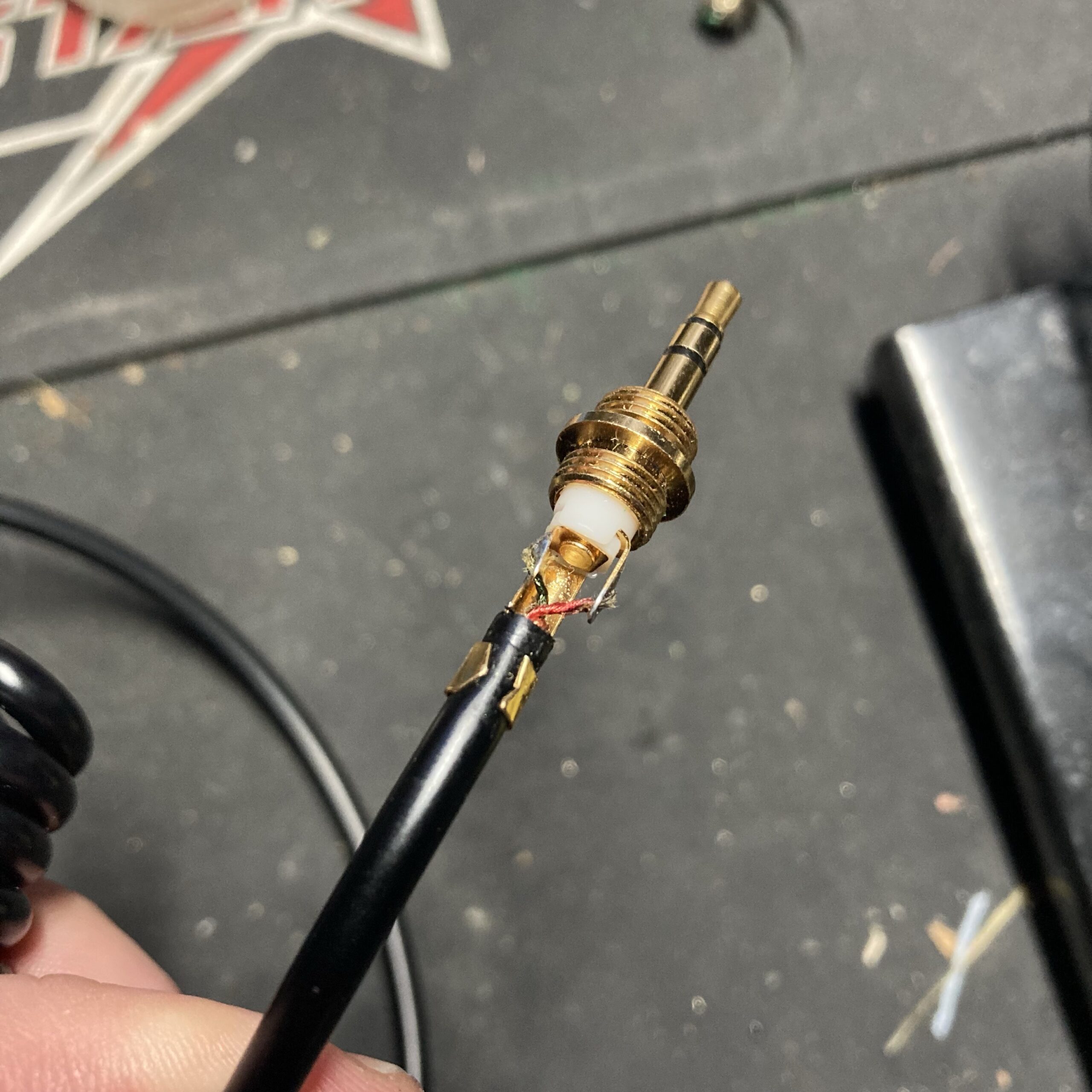
With all wires soldered, but before crimping, test it out. I carefully plugged the headphones into a computer and verified sound in both ears and double checked correct left-right balance.
With everything confirmed working, we can now button it all up. First crimp the jack to the cable sheath with a needle nose pliers.
Technology is great and technology sucks. It’s true that it’s the best of times and the worst of times. Technology is great when it works, but it’s terrible (and often unfixable) when it doesn’t.
This may be a farewell to my Fitbit Charge 4, and a warning to fitness tracker developers out there. Rigorously ensure sure it works or people will not just abandon your product, they’ll abandon your platform.
I had some issues with my Fitbit losing GPS signal, but I thought they were fixed. But they’re not…
I brought my new kayak to Lake Minnetonka and planned to paddle around Big Island. I’ve tried both GPS settings on the Fitbit Charge 4: Built-in GPS and Dynamic. Dynamic will use your phone if it’s nearby, then fallback to built-in. That day, I had the watch set to “built-in GPS.” I went down to the dock and hit start on my Fitbit. It was still trying to get GPS signal by the time I had my boat ready.
I went out on the water thinking the clear view of the sky would help it quickly lock on to GPS signal. I sat there for several minutes, then decided to switch to Dynamic since I did have my phone in the boat. After several more minutes of no GPS signal, I got my phone out. Opening the Fitbit app on my phone immediately established GPS signal. So I got underway.
Then as I rounded the first corner of the island, the watch vibrated. The screen displayed “Cannot establish a GPS Connection. Turning GPS off” 😡
You can see how far I had gone when the Fitbit gave up, it’s the untracked distance between the start and finish point.
Elapsed Time
Moving Time
Distance
Average Speed
Max Speed
Elevation Gain
01:19:17
hours
00:52:12
hours
2.27
mi.
2.61
mph
4.87
mph
0.00
ft.
The Strava app proved to also have (different) problems than my Fitbit
Strava App
I already had my phone out of my dry bag, which I didn’t want to do, because I’m in the water 🌊 But here I was, so I fired up the Strava app and hit record. Before got into the channel I got out my fish finder just to see if there were any lively spots that we should hit later on the pontoon. 🎣
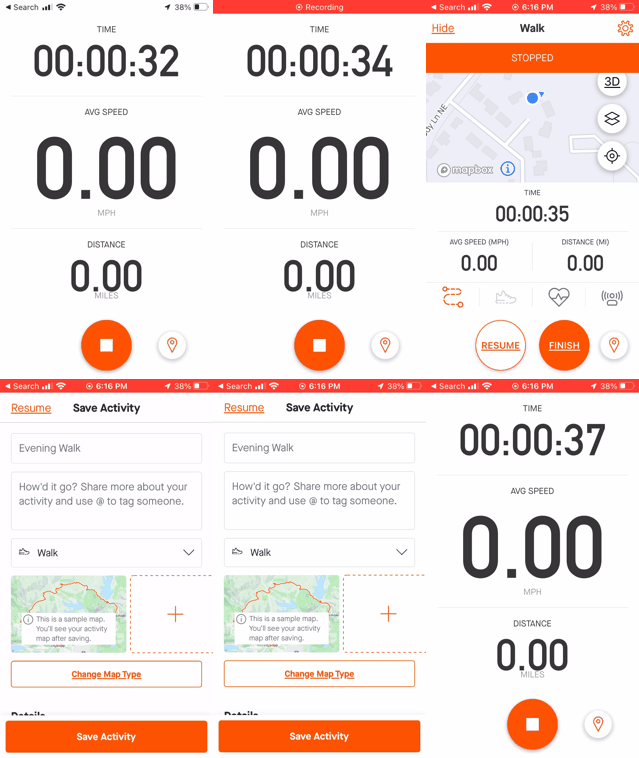
But while getting out the fish finder, the Strava app decided to engage “auto-pause.” Auto pause seems like a good idea until it doesn’t auto un-pause. I was on the other side of the island before I noticed it was paused. While on the water I had to figure out how to unpause. I went into the settings and turned off auto-pause. Auto Pause settings are accessible by using the gear icon from the record activity screen. Not the main screen gear icon. ⚙️
Strava Auto-Pause Settings
But it was still paused! The only way to forcibly un-pause the activity was to click “Finish” which brought me to a confirmation screen, then I was able to choose “Resume” which un-paused the activity. It’s not clear that there will be a confirmation after clicking finish, so I’m showing an example here:
Strava Finish Confirmation (use to un-pause)
You can see the line that goes through the island on my activity. Clearly I didn’t do that, but that’s how it will be recorded “because technology.” Now imagine if this was your first experience with either of these devices and services. I wanted to throw both my watch and phone in the lake! 💦
But since I’m a glutton for punishment, I’ll be trying something else to replace these failed experiments. Currently looking at the Amazfit GTR series watches because battery life looks good. Recommendations welcome – please comment with your suggestions!